Yes, since September 14, 2026, as long as it’s verified electronically with a reader. A glance at the phone screen doesn’t count.
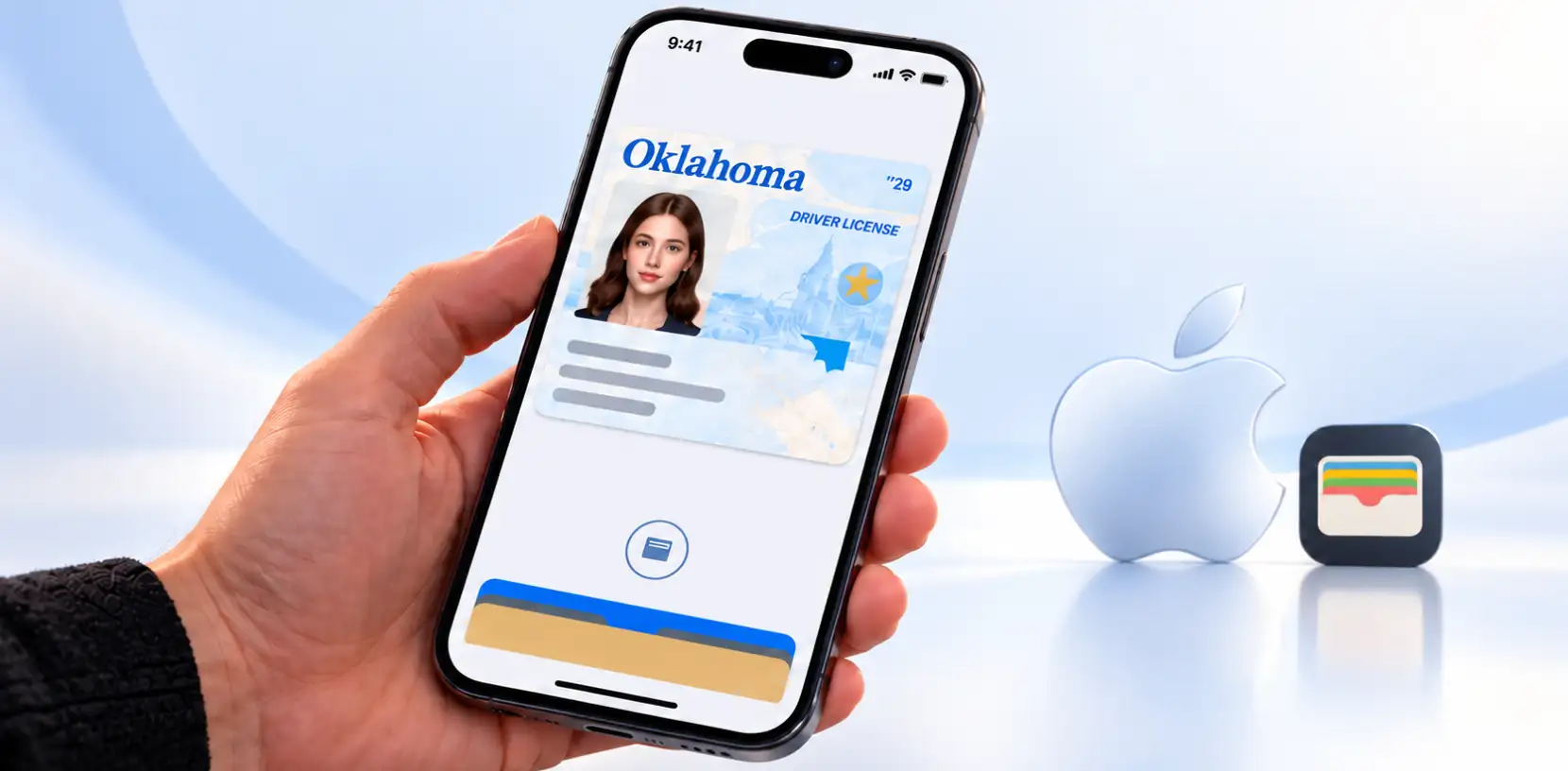
Since September 2, 2026, Oklahomans can add their driver’s license or state ID to Apple Wallet on iPhone and Apple Watch (Service Oklahoma). That made Oklahoma the 16th state to offer IDs in Apple Wallet (MacRumors). As of September 14, bars, liquor stores and tobacco retailers can accept it for age checks, but only if they verify it electronically.
For businesses that check IDs, that last part is the key detail. A customer showing you their phone screen isn’t enough. Here’s what changed, how it works, and what it means for your door or counter.
How Oklahoma’s Apple Wallet ID Works
For the customer. Anyone 18 or older with an eligible Oklahoma license or state ID can add it for free. In the Wallet app, they tap Add (+), choose Driver’s License or ID, pick Oklahoma, scan the front and back of their card, and complete verification (Service Oklahoma).
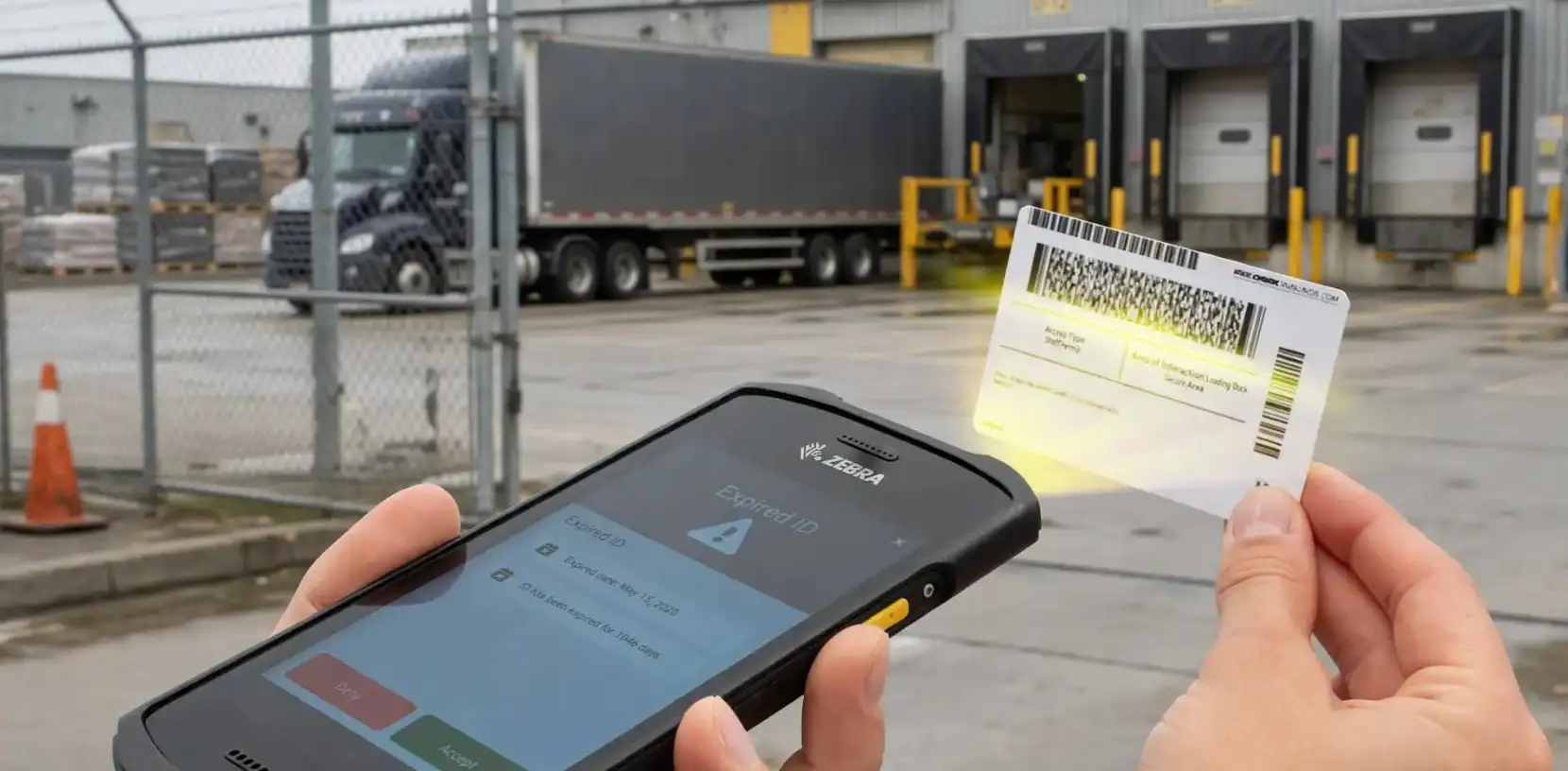
At your business. The customer holds their iPhone or Apple Watch near a reader and approves the request with Face ID or Touch ID. They never unlock or hand over the phone. Only the information you request is shared.
The state’s free Oklahoma Reader app turns a phone into that reader:
- Open the app and choose a check: Over 18, Over 18 / Under 21, or Over 21.
- Choose Tap (NFC) or Scan (QR code).
- The customer approves the request on their device with a biometric check.
- Your screen shows the customer’s photo and whether they meet the age requirement, without their exact age or other personal details.
The reader app works on iPhones running iOS 17.6 or newer, Android 12 or newer. It doesn’t need Wi-Fi or a cell connection, and it doesn’t store customer data or keep a record of the check.
What the ABLE Commission Says for Alcohol and Tobacco Retailers
Oklahoma’s Alcoholic Beverage Laws Enforcement (ABLE) Commission worked with Service Oklahoma to prepare bars, liquor stores and tobacco and nicotine retailers to accept the digital ID starting September 14. “Secure electronic verification gives businesses another reliable way to confirm a customer’s age,” said ABLE Assistant Director Lori Carter (Service Oklahoma).
The important condition: according to an ABLE letter cited by the state, the digital ID is recognized for age-restricted entry and alcohol and tobacco sales when it’s electronically verified (Service Oklahoma). In practice:
- Do verify it with a reader, such as the Oklahoma Reader app.
- Don’t accept a screenshot or a glance at someone’s phone. A picture of an ID can be faked as easily as a card.
- If a customer doesn’t have the digital ID or won’t share it, ask for their physical credentials.
- If the check fails or can’t be completed, follow your normal process for when age and identity can’t be confirmed.
Physical ID vs. Apple Wallet ID: What Businesses Should Know
The digital ID is an optional companion, not a replacement. Service Oklahoma says residents should keep carrying their physical card, including while driving. So for years, most of your customers will still hand you plastic.
| Physical Oklahoma ID | Apple Wallet ID | |
| Who has one | Every licensed driver or ID holder | Only those who choose to add it |
| How you check it | Scan the card | Tap or QR scan with a reader app |
| What you see | Full card details | Photo and an age yes/no, unless you request more |
| Main fraud risk | Counterfeit or borrowed cards | Screenshots or fake screens if not read electronically |
| Record kept | Depends on your scanner | The Oklahoma Reader app keeps none |
| Still required? | Yes, residents should always carry it | No, it’s optional |
The last two rows matter most for compliance. A digital check with the state’s reader proves age in the moment, but it leaves no record you can show a licensing board later.
The Bigger Picture: Mobile IDs Are Spreading
Oklahoma isn’t alone. As of September 2026, 16 states support IDs in Apple Wallet: Arizona, Arkansas, California, Colorado, Georgia, Hawaii, Illinois, Iowa, Maryland, Montana, New Mexico, North Dakota, Ohio, Oklahoma, Virginia and West Virginia. Apple is also preparing for North Carolina and Utah (MacRumors).
Other wallets are growing too. Ohio added IDs to Google Wallet, and the TSA now accepts Colorado’s mobile ID at more than 250 airports (Biometric Update). In Oklahoma, the Apple Wallet ID works at participating TSA checkpoints in Tulsa, Oklahoma City, Stillwater and Lawton.
For businesses, the takeaway is simple: mobile IDs are coming to your counter, state by state, and each state may set its own rules for accepting them.
How Patronscan Fits In
Mobile IDs change how customers prove their age. They don’t change what a busy bar, store or dealership needs from its ID checks:
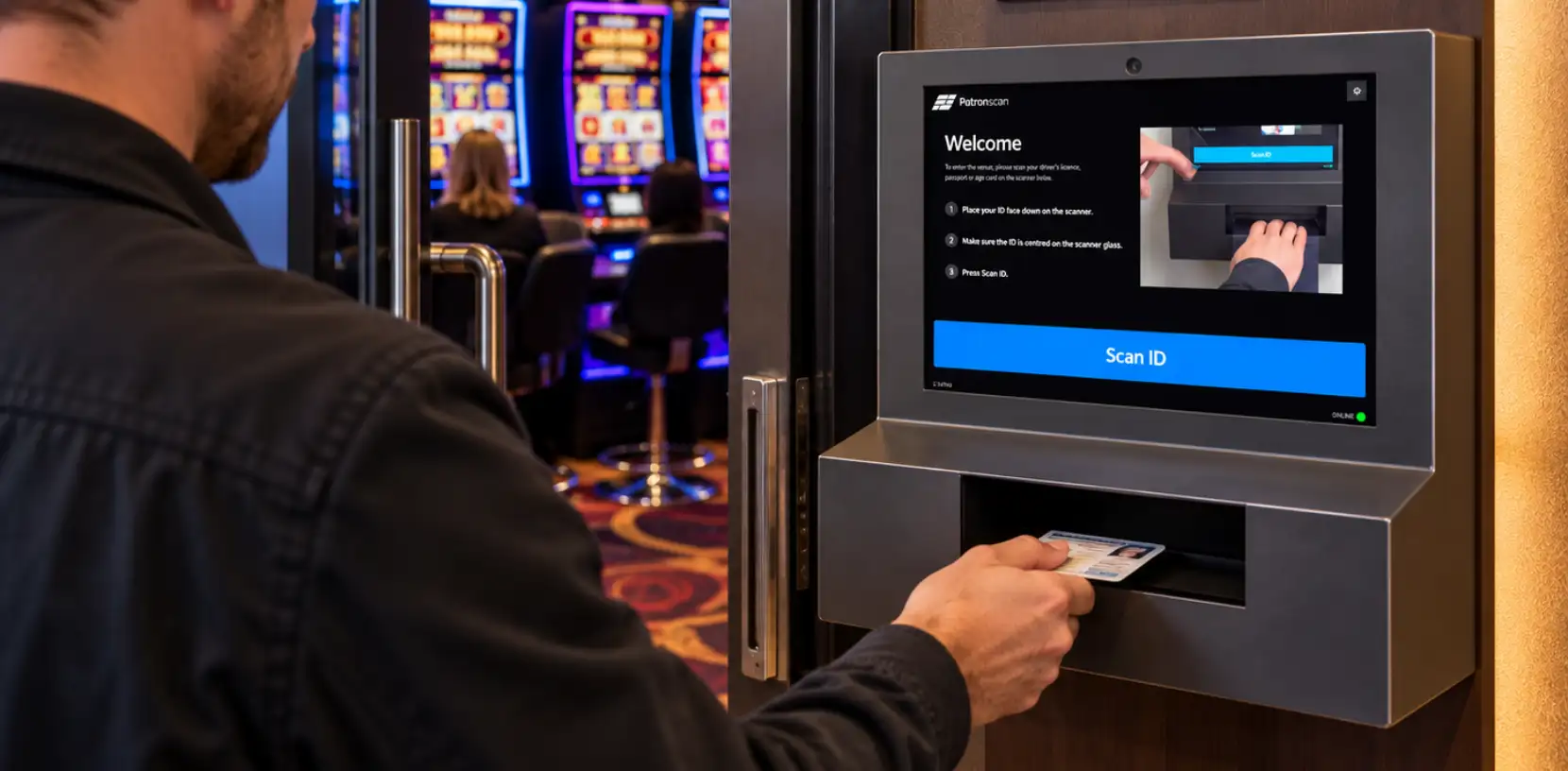
- Forensic checks on physical cards. Most customers will keep handing over plastic, and fake IDs aren’t going away. Patronscan checks 8,500+ data points on every card with the Guard+ and the Handheld.
- A record of every check. Each scan creates an encrypted, timestamped record, so you can show a licensing board exactly who you checked and when.
- Knowing who’s at the door, not just their age. Patronscan’s flag network keeps known troublemakers out across every location in your network. An age yes/no can’t do that.
- One consistent process. Staff follow the same steps for every guest, whatever ID they bring.
To see how Patronscan handles every ID your customers bring, book a Patronscan demo.
Frequently Asked Questions
Do businesses have to accept the digital ID?
Acceptance is presented as a choice. Businesses that want to accept it can download the Oklahoma Reader app and register with Service Oklahoma. If a customer doesn’t have it, ask for their physical ID.
Does the customer hand over their phone?
No. They hold it near the reader and approve the request with Face ID or Touch ID.
What information does the business see?
With the Oklahoma Reader app, a photo and confirmation that the customer meets the age requirement, without their exact age or other details.
Do Oklahomans still need their physical license?
Yes. The digital ID is an optional companion, and residents should keep carrying their physical card.
Featured Resources