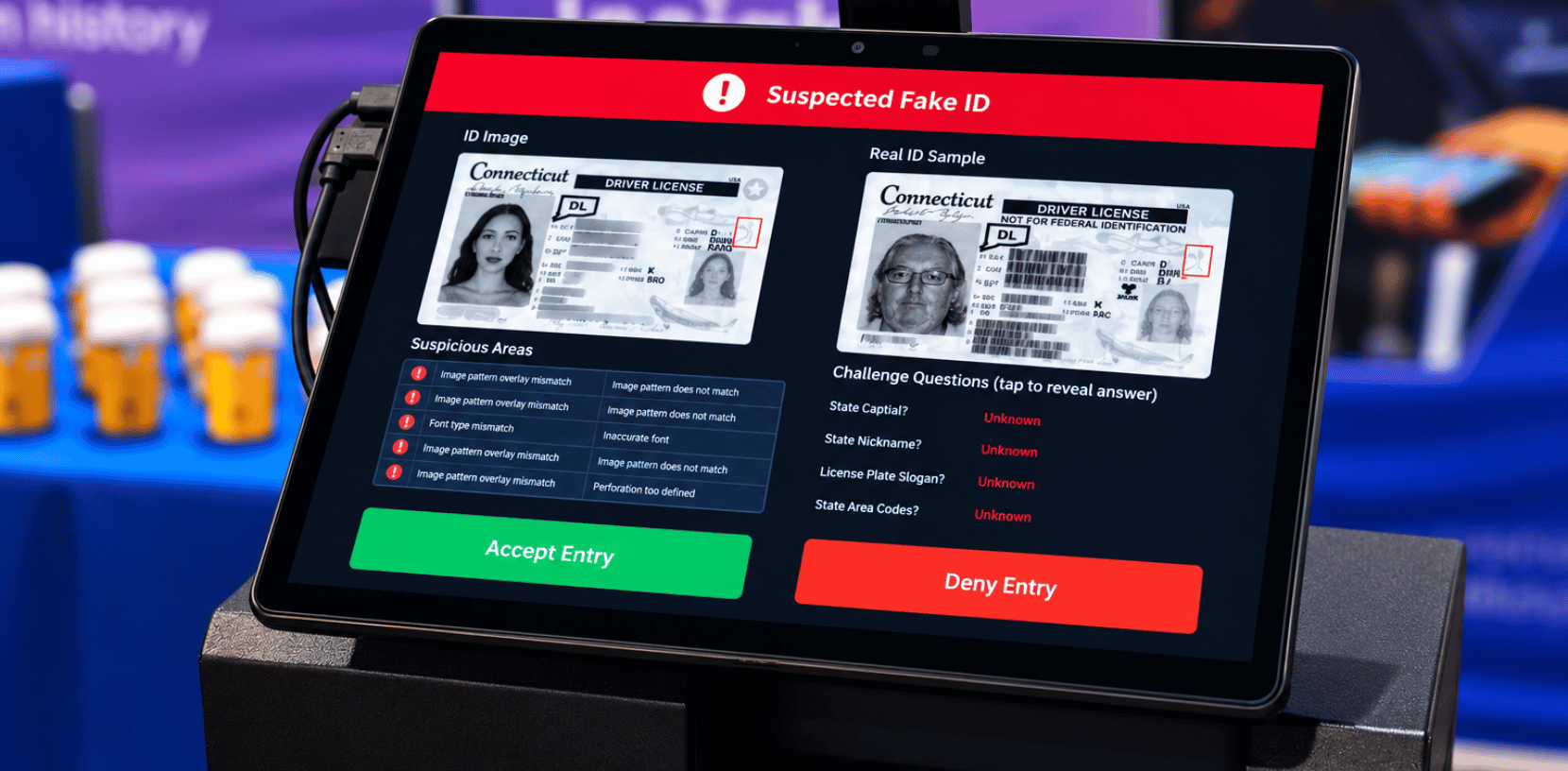
Ask anyone who checks IDs for a living what trips their scanner, and it’s rarely a sophisticated fake. It’s the out-of-state license from a state they don’t see often; the older-format ID that hasn’t expired yet but looks nothing like the current design, or the international passport from a customer who’s traveling through. The scanner beeps, throws an error, or just can’t read it, and now staff are stuck deciding whether to turn someone away, wave them through, or dig out reading glasses and do it the old-fashioned way.
That’s a real, everyday FAQ, and it’s worth understanding why it happens and what to actually look for in a verification system to avoid it.
Why this comes up more than people expect
The U.S. alone has 56 different ID-issuing jurisdictions (50 states plus DC and the territories), and every one of them redesigns its driver’s license periodically with new security features, new layouts, sometimes a new barcode structure entirely. Older and newer versions of the same state’s ID are often valid and in circulation at the same time for years after a redesign, since licenses don’t all expire and get replaced on the same schedule.
Add international documents into the mix like passports and national ID cards from other countries, each with their own formats and standards, and the realistic scope of “IDs I might see today” is much bigger than most businesses initially plan for. This isn’t a niche problem, either. A retail store near a college campus, a bar in any city with tourism or business travel, a distribution center hiring drivers and contractors from out of state, and a dealership selling to buyers who drove in from three states over are all running into the same document variety on a regular basis.
Why some scanners handle this better than others
Not every ID verification system is built with the same breadth in mind. A scanner or app can be technically functional to read barcodes, and show a valid/invalid result, while still only being trained on a narrower library of ID templates, or one that isn’t updated promptly when a state or country rolls out a document redesign. That’s usually the actual cause behind “the scanner works fine most of the time but chokes on anything unfamiliar.” It’s not that the ID is fraudulent or that the scanner is broken, it’s that the system’s library simply hasn’t caught up to what that particular document looks like.
What to actually ask when evaluating this
A few questions cut through most of the confusion:
- How many ID types and document formats does the system currently cover, and does that include older/legacy versions of a state’s ID alongside the current design?
- How often is the template library updated as states and countries roll out redesigns, is that a routine part of the product, or something that lags behind?
- What happens when the system encounters something outside its library? Does it fail gracefully with a clear message, or does it just produce a confusing or misleading result?
These are reasonable, specific questions to bring to any ID verification vendor, and the answers tend to separate systems built for real-world document variety from ones that were only tested against a handful of common formats.
Where Patronscan fits in
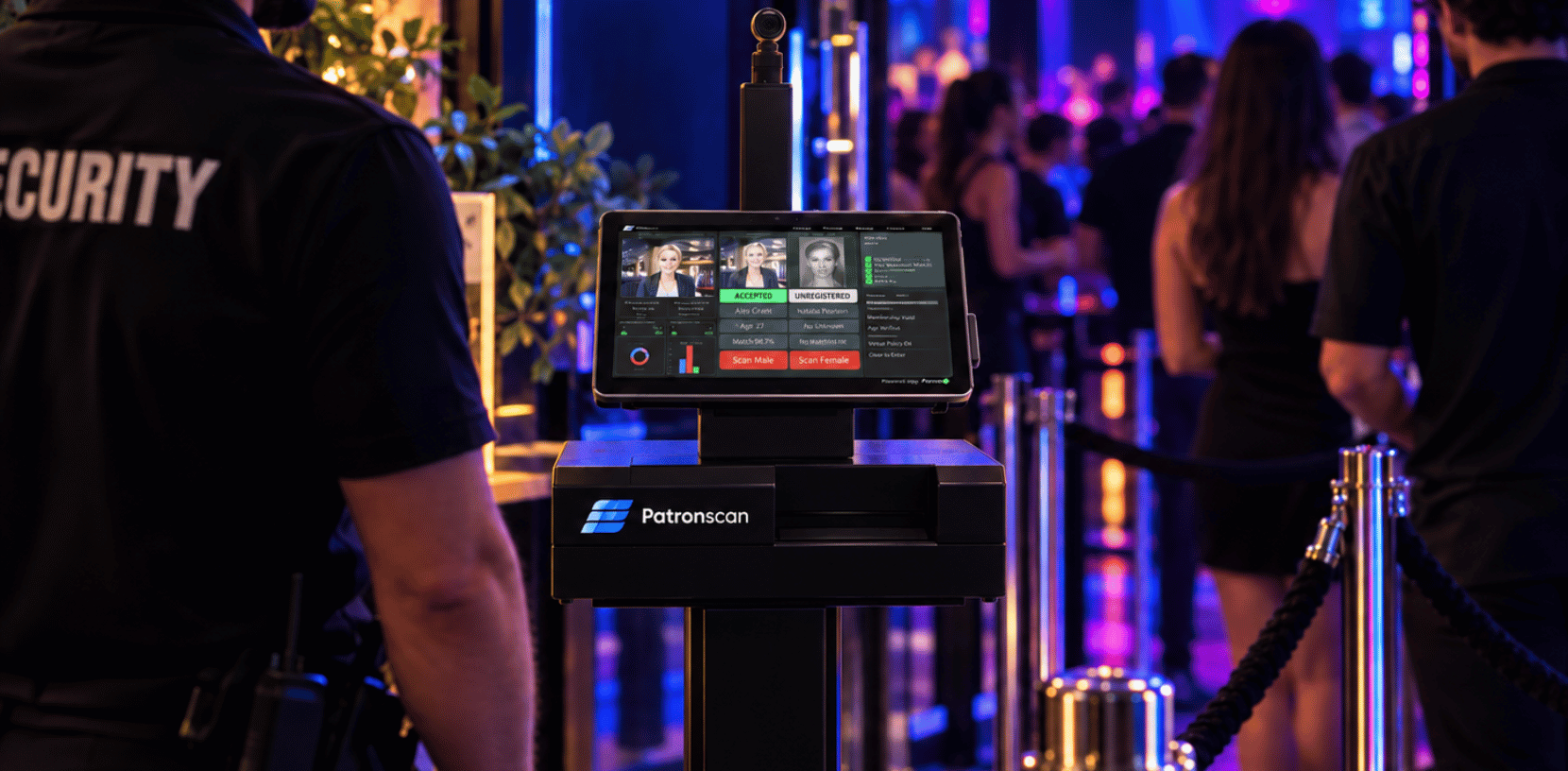
This is exactly the kind of breadth forensic ID verification is designed to handle. Patronscan checks IDs against 8,500+ data points across more than 14,000 ID types, with a continuously maintained library built to keep pace as documents change, rather than a fixed set of templates that quietly goes stale. Patronscan has verified more than 500+ million IDs worldwide since 2005, which is a large enough footprint to have encountered, and accounted for, the kind of document variety most businesses only see occasionally.
Quick answers, if you’re short on time
- Why does my scanner fail on some out-of-state IDs but not others? It usually comes down to how broad and up-to-date that system’s ID template library is, not whether the ID itself is legitimate.
- Do states change their ID designs often enough for this to matter? Yes – redesigns happen periodically, and old and new formats typically circulate side by side for years afterward.
- Should I expect my scanner to handle international passports too? It depends entirely on the system. This is worth asking about directly rather than assuming, since coverage varies a lot between vendors.
If unfamiliar IDs are turning into daily judgment calls for your staff, it’s worth finding out how much of that is a coverage problem rather than a fraud problem. Talk to a Patronscan specialist about what’s actually in, and kept current in, your verification system’s library.