Partly. An ID scanner app can flag fakes with badly formatted barcodes, but it can’t check UV or infrared security features. High-quality “scannable” fakes and altered IDs usually pass app-only checks.
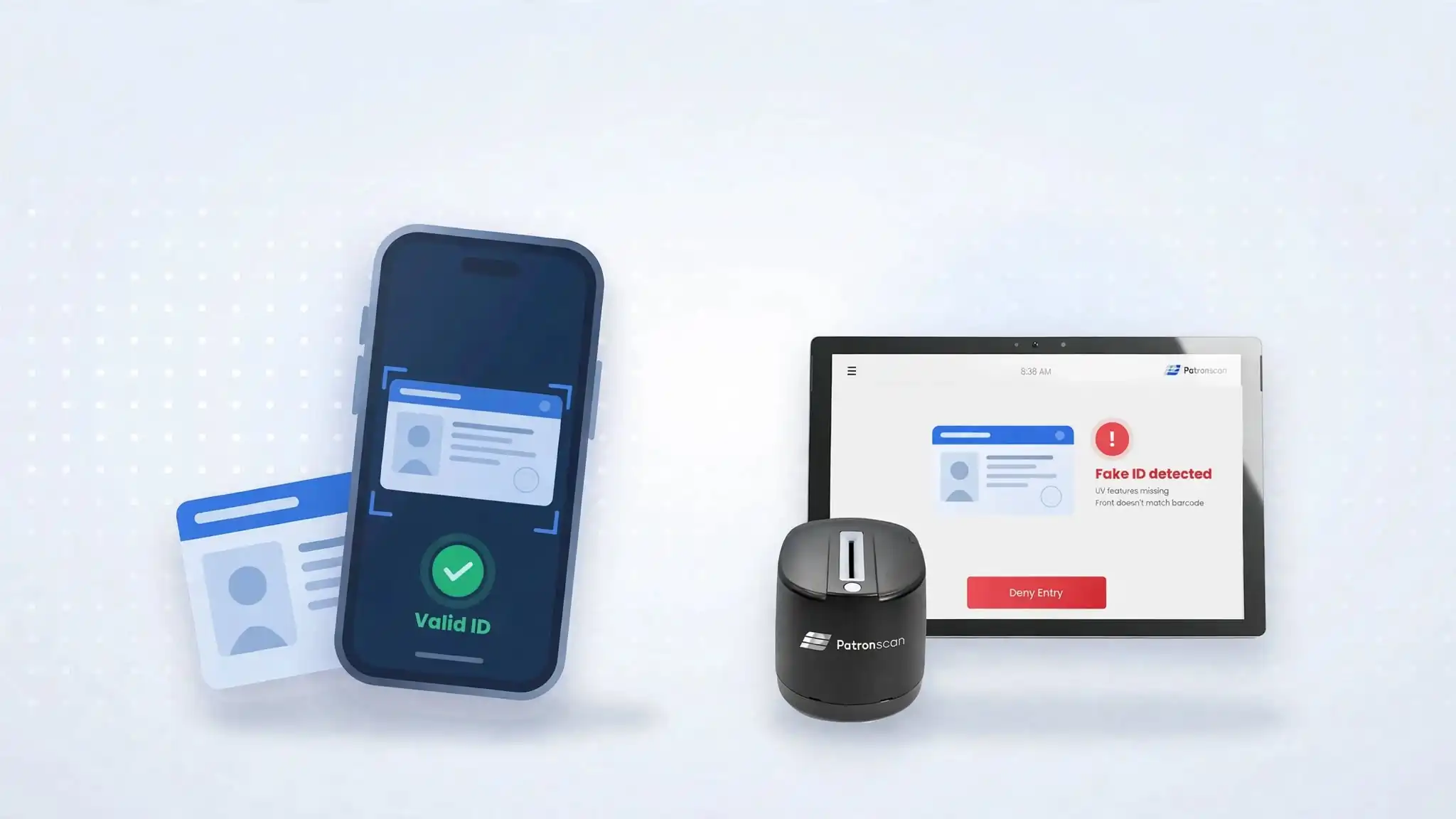
Can a phone-based ID scanner app detect the same things as a dedicated ID scanner, and can it serve as a reliable replacement?
Not for fake ID detection. An ID scanner app reads the barcode on the back of an ID, so it catches underage, expired and badly encoded IDs. A dedicated forensic ID scanner, such as Patronscan Guard+, also checks the card under white, UV and infrared light, verifies holograms and watermarks, and matches the front of the card to the barcode, so it catches scannable fakes and altered IDs that apps miss.
The gap opens with high-quality, “scannable” fakes, altered cards, high-volume lines and repeat troublemakers. Those are the cases that end up in front of a liquor board.
This guide breaks down what each format can physically see, then goes threat by threat so you can match the tool to your actual risk. If you’re new to the category, start with What Is an ID Scanner?
Key takeaways
- Apps and dedicated scanners tie on age and expiry checks. Both read the same barcode data.
- Phone apps can’t see UV or infrared security features. That limits them to barcode-level fake detection.
- Scannable and altered fakes need forensic scanning. UV, IR, hologram and watermark checks, plus front/back matching, catch what a clean barcode hides.
- Banned patrons are a network problem, not a device problem. A shared flag network, like the Patronscan Flag Network, flags them at every connected door.
- Most venues use a mix: forensic scanning at the main entry, handhelds at secondary points, all on one platform.
What can an ID scanner app see compared with a dedicated scanner?
An ID scanner can only catch what it can see. There are three tiers of ID scanning devices, not two: phone or tablet apps, dedicated handheld scanners and forensic countertop scanners.
| Phone or tablet app | Dedicated handheld scanner | Forensic scanner | |
|---|---|---|---|
| Reads | 2D (PDF417) barcode through the phone camera; some also read MRZ on passports | Barcode via a purpose-built imager; often MRZ and NFC | Full front and back images of the card |
| UV and infrared light checks | No | Usually no. Most check only the data in the barcode, magnetic stripe or MRZ | Yes. Scans the card under white, UV and IR light |
| Main checks | Barcode parsing, age and expiry math, barcode formatting rules | Same data layer, often with deeper format and structure checks plus faster, more reliable reads | 2D barcode security plus UV and IR security-feature checks, hologram and watermark checks, 6-image comparison and front/back matching using OCR |
| Setup | Runs on a staff phone or tablet; glare, low light and worn cards can cause misreads | Portable: battery-powered and built to be carried through long shifts | Stationary: sits on a counter, podium or wall at any entry, and uses its own built-in lighting, so venue lighting doesn’t affect the scan |
| Typical cost | Free to about $80/month | Roughly $750–$1,000 per device for basic barcode units, more for platform-connected ones | Higher upfront; usually quoted |
The key point is in the “UV and infrared light checks” row. A phone camera can read the barcode well, but it can’t shine UV or IR light on the card, so it can’t check the security features printed in UV-reactive or IR-absorbing ink, and it can’t reliably verify holograms or watermarks.
That’s why phone apps compete only on the barcode layer, and why the quality gap between apps is so wide.
Can ID scanner apps detect fake IDs?
Apps and dedicated scanners tie on the routine checks. They split on fakes built to scan, altered cards and repeat offenders.
| Threat at the door or counter | Phone app | Dedicated handheld | Forensic countertop |
|---|---|---|---|
| Underage date of birth | Yes | Yes | Yes |
| Expired ID | Yes | Yes | Yes |
| Low-quality fake with a broken or badly formatted barcode | Depends heavily on the app | Yes, if it runs real format checks | Yes |
| “Scannable” fake with a correctly encoded barcode | Rarely | Sometimes, through deep structure checks | Yes, in most cases: UV, IR, hologram and watermark checks don’t rely on the barcode |
| Altered card (new photo or edited front, original barcode) | No: the barcode still reads clean | No, unless it captures and compares the front | Yes: front/back matching using OCR |
| Out-of-state, international or passport ID | Some apps, inconsistently | Most, if the ID library is large | Most; widest template coverage |
| Real ID used by a lookalike | No | No | No, but the scanned ID image on screen helps staff compare faces |
| Banned or previously flagged person | Only within that app’s own list | Yes, if the device connects to a shared flag network | Yes, if connected to a shared flag network |
| Mobile driver’s license (Apple Wallet, state apps) | Yes, if the app supports ISO 18013-5 | Yes, on newer mDL-ready models | Varies by model |
Why do “scannable” fake IDs pass phone apps?
Fake ID sellers market their product as “scannable” for a reason. Encoding a working PDF417 barcode is cheap and easy, and many fake ID sellers advertise their cards as “scannable.” A basic barcode reader will often read these fakes without flagging anything. A clean read only shows the barcode can be decoded, not that the card is genuine.
That’s why apps that only parse the barcode catch so little of today’s fake ID supply. Most store apps read IDs; they don’t check them. Before trusting any app’s “fake detected” claim, ask what it actually tests (see the vendor questions below).
Can an ID scanner catch an altered ID?
Yes, but only a forensic ID scanner that images the front of the card and matches it to the barcode. Phone apps and barcode-only scanners usually miss altered IDs, because the original barcode still reads as valid.
A common modern fake takes a real barcode and changes the front: a new photo, a new birthdate, or both. A barcode-only device sees valid data and passes it. Only a scanner that images the front and compares it with the barcode can spot the mismatch. For the full breakdown of these layered checks, see What Barcode-Only Scanning Misses.
What can’t any ID scanner catch on its own?
A borrowed real ID belonging to an older sibling or friend passes every authenticity check, because it is authentic. What helps is a clear ID photo on the scanner’s screen, trained staff, and a scan history that shows the same ID being used at different times by different-looking people.
When is an ID scanner app enough?
An app is a reasonable choice when the main risk is honest mistakes, not determined fakes, and volume is low.
- Low-volume age checks: a small restaurant, a wine shop or a private event where staff check a few dozen IDs a night.
- A backup or overflow lane: a second checkpoint on a patio, a festival gate or a busy night, alongside a primary scanner.
- Roaming staff: servers or floor security who need to verify someone away from the door.
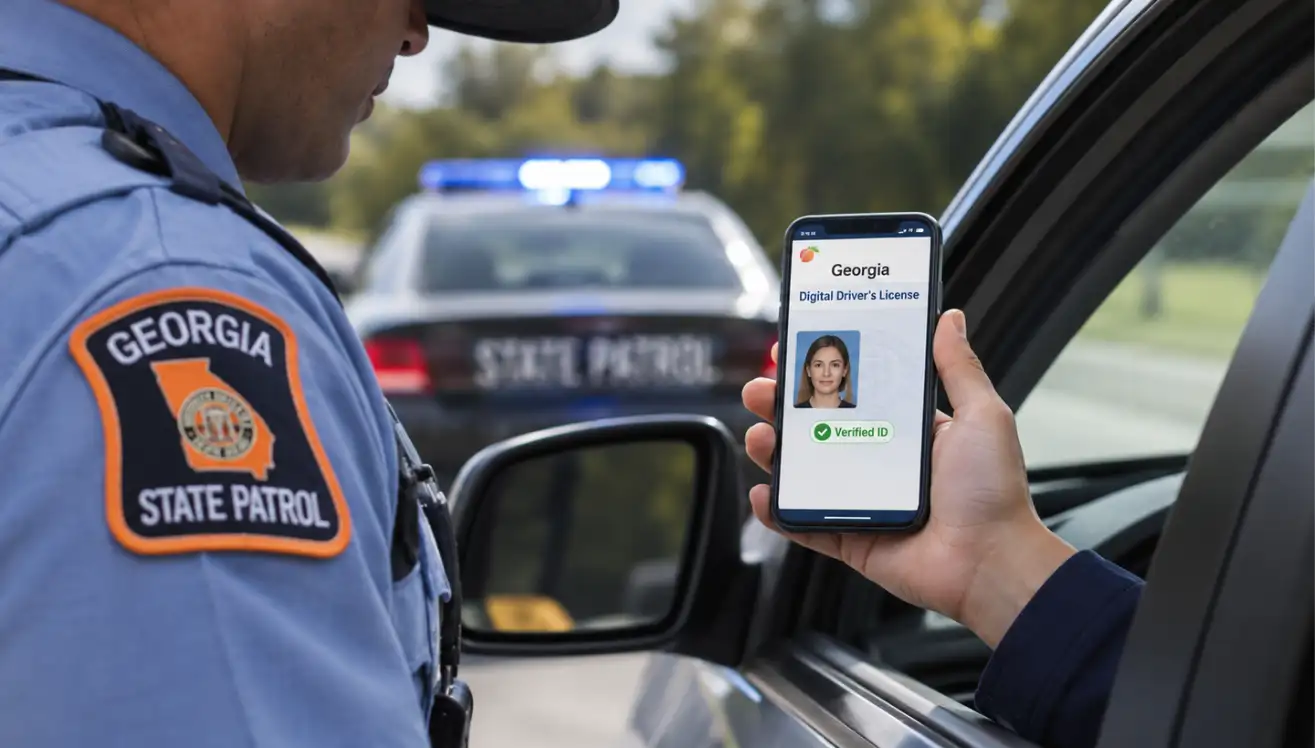
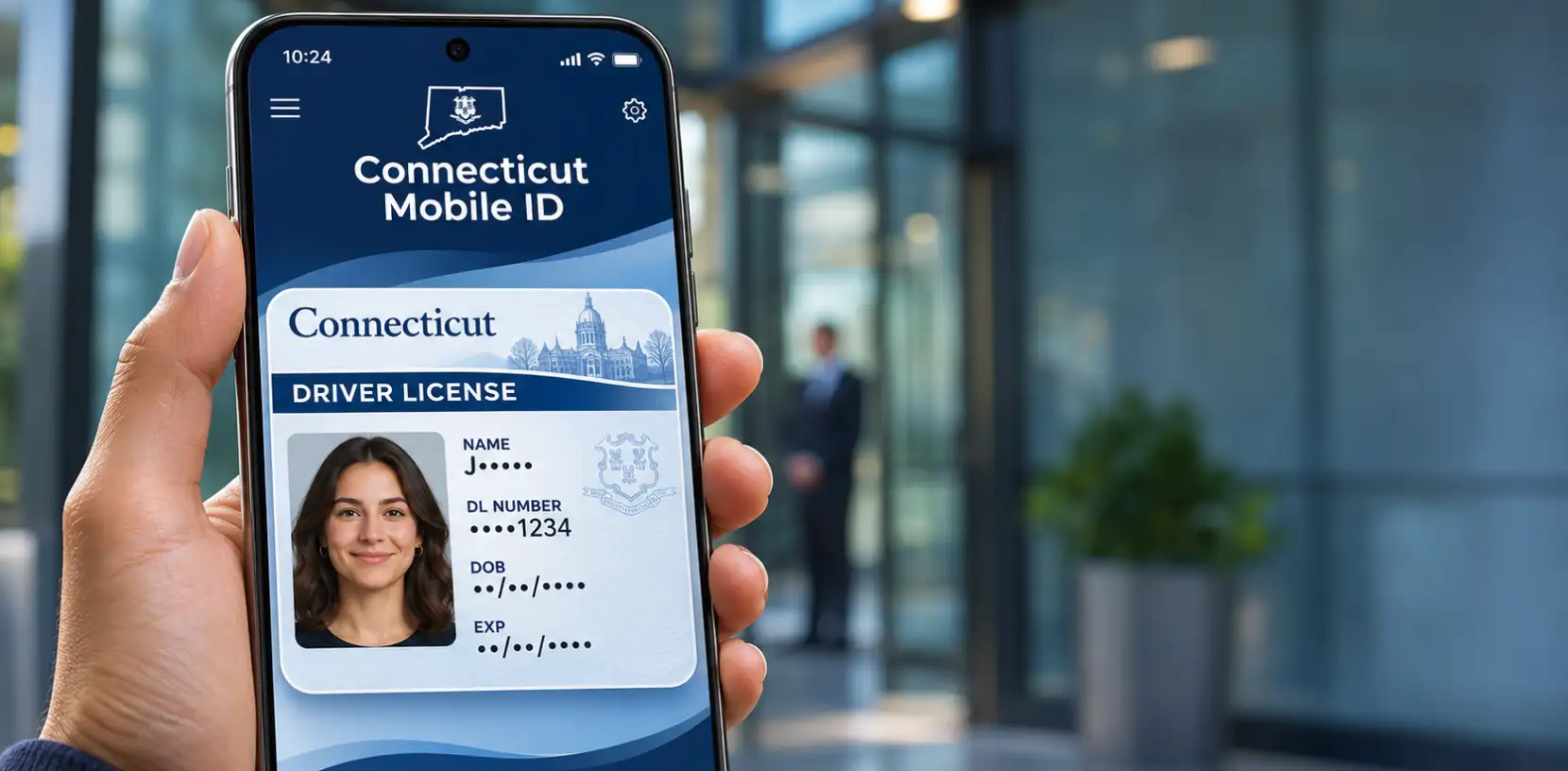
- Accepting mobile IDs: Apple’s ID Verifier lets an iPhone app read ISO 18013-5 mobile IDs in person with no extra hardware. The ID’s issuer signature is checked cryptographically, which is stronger than any barcode check.
If you go the app route, choose one that keeps a scan log and lets you flag problem patrons, so you have a record if an incident is ever questioned.
Need mobility without a phone? For roaming staff and overflow lanes, a dedicated handheld does the same job without relying on personal phones. Patronscan’s Handheld Series 2 is built for long shifts and low light, and it syncs every scan and flag with the Patronscan platform and Flag Network, so a patron banned at your main door is flagged at the patio too.
Where apps fall short: phone cameras struggle with glare, low light and worn cards; personal phones get borrowed, die mid-shift or get distracted by notifications; and most store apps keep data on the device, which complicates both privacy and incident records.
When do you need a dedicated ID scanner?
A dedicated scanner pays off when one missed fake or one bad patron costs more than the device does.
- Licensed nightlife and high-volume doors: a fine, a suspension or a serious incident costs far more than hardware. Speed matters too; Patronscan rates its quick-scan countertop unit at about 720 patrons per hour (Patronscan Guard+).
- Markets with sophisticated fakes: college towns, tourist districts and anywhere fakes are bought online. These are the “scannable” fakes apps miss.
- Regulated retail: cannabis, liquor, tobacco and vape stores, where compliance audits want consistent scan logs.
- Identity-sensitive transactions: car dealerships, banks, property management and pharmacies, where an altered ID means fraud, not just an underage sale.
- Multi-venue operators and entertainment districts: a shared flag network means a patron banned at one location is flagged at every connected door.
Handheld or countertop? A dedicated handheld gives you rugged hardware, all-night battery, fast reads in the dark and deeper barcode checks. A forensic countertop unit adds the UV, IR, hologram, watermark and front/back OCR checks that catch altered and high-quality fakes. Many venues use both: countertop at the main door, handhelds for lines, patios and events. See How to Choose the Best Handheld ID Scanner for the hardware details.
How Patronscan covers every checkpoint
Patronscan makes dedicated ID scanners for every checkpoint, from handhelds to forensic countertop units and self-service kiosks, on one platform. Scans, flags and alerts sync across all of them. Patronscan has verified more than 500 million IDs and recognizes over 14,000 ID types worldwide.
| Patronscan product | Format | What it checks | Best for |
|---|---|---|---|
| Handheld Series 2 | Dedicated handheld | Barcode scans in under 1 second for fast age and expired-ID checks; supports 14,000+ ID types; optional patron photo capture; 10-hour battery with Wi-Fi or cellular; Flag Network access | Bars, nightclubs, casinos, events, festivals and other mobile or remote entry points |
| Guard+ | Forensic countertop or kiosk | 8,500+ checks using white, UV and IR light, including hologram and watermark checks, 6-image comparison, front/back OCR matching and 2D barcode security | Main entry at bars, clubs and casinos; regulated retail |
| Dualpass | Forensic, two-sided | Scans both sides of the ID at once and runs 8,500+ forensic checks, including UV, IR, hologram and microprinting checks | High-risk doors where speed and certainty both matter |
| IVAC Wallmount | Self-service kiosk with door control | Forensic ID check tied to unlocking the door | Unstaffed or after-hours age-restricted entry |
Every product connects to the Patronscan Flag Network. Flags can stay private to your venue or be shared across the network, and staff get real-time SMS alerts when a flagged person presents any of their IDs.
What to ask before you buy an ID scanner or ID scanning app
These questions separate tools that read IDs from tools that check them.
- What does a “fake” alert actually test? Barcode formatting only, or UV, IR, hologram, watermark and image checks too?
- What’s your detection rate on scannable fakes, and who tested it? Ask for the test set and whether it was independent.
- Do you compare the front of the card with the barcode? Without this, altered cards pass.
- How many ID types do you support, and how often is the library updated? States redesign their cards regularly.
- Can I accept mobile driver’s licenses? Ask specifically about ISO 18013-5 and Apple Wallet.
- Where is scan data stored and for how long? Your local privacy and liquor laws may set limits.
- Can I flag a patron and have that flag reach my other doors, or other venues?
- What happens on a dead battery, no Wi-Fi or a 2 a.m. outage? Ask about offline mode and support hours.
- What does it cost per year, all in? Include per-scan credits, subscriptions, hardware replacement and support.
Bottom line: app, handheld or forensic scanner?
An ID scanner app is a good age calculator. A dedicated scanner, especially a forensic one, is a fake ID detector and a record of who came through your door.
- If your risk is mainly honest mistakes at low volume, a platform-connected app is a sensible start.
- If you hold a liquor license in a busy market, sell regulated products, or need to keep banned patrons out, the threats that matter most (scannable fakes, altered cards, repeat offenders) are the ones apps miss.
- Most operators end up with a mix: forensic scanning at the main entry, handhelds at secondary points, all on one platform.
Not sure which mix fits your venue? Book a Patronscan demo and we’ll show you what each device catches with real IDs.
Frequently asked questions
What is the difference between an ID scanner app and a dedicated ID scanner?
An app uses a phone camera to read the ID’s barcode. A dedicated scanner uses purpose-built hardware; forensic models such as Patronscan Guard+ also image the card under white, UV and infrared light, check holograms and watermarks, and use OCR to match the front of the card with the barcode.
Can fake IDs pass ID scanners?
Yes, if the scanner only reads the barcode. Most modern fakes carry a correctly encoded barcode. Forensic scanners that check UV, IR, hologram and watermark features and match the front of the card to the barcode are much harder to fool.
Do I need UV and infrared scanning to catch fake IDs?
For high-quality fakes, yes. UV and IR reveal security features that counterfeiters struggle to reproduce, and a phone camera can’t capture them.
Can ID scanner apps read mobile driver's licenses?
Some can. iPhone apps that support Apple’s ID Verifier can read ISO 18013-5 mobile IDs in person and check the issuer’s digital signature. Ask any vendor whether their app and hardware support mobile IDs.
Is an ID scanner app enough for a bar?
For a small, low-risk venue it can be a start. For a licensed bar or nightclub with lines, a forensic scanner at the main door plus handhelds at secondary points is the safer setup.
Featured Resources