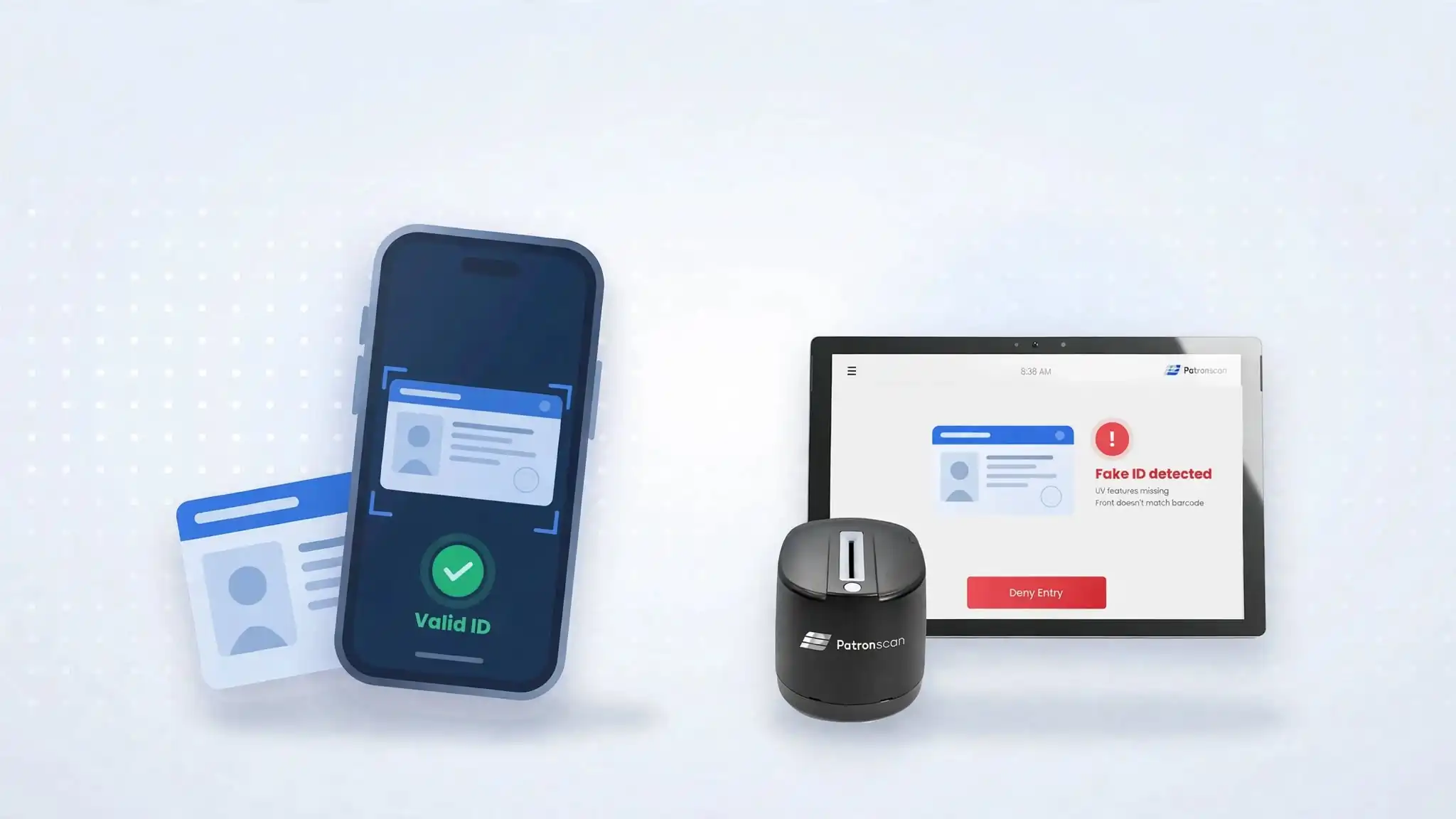
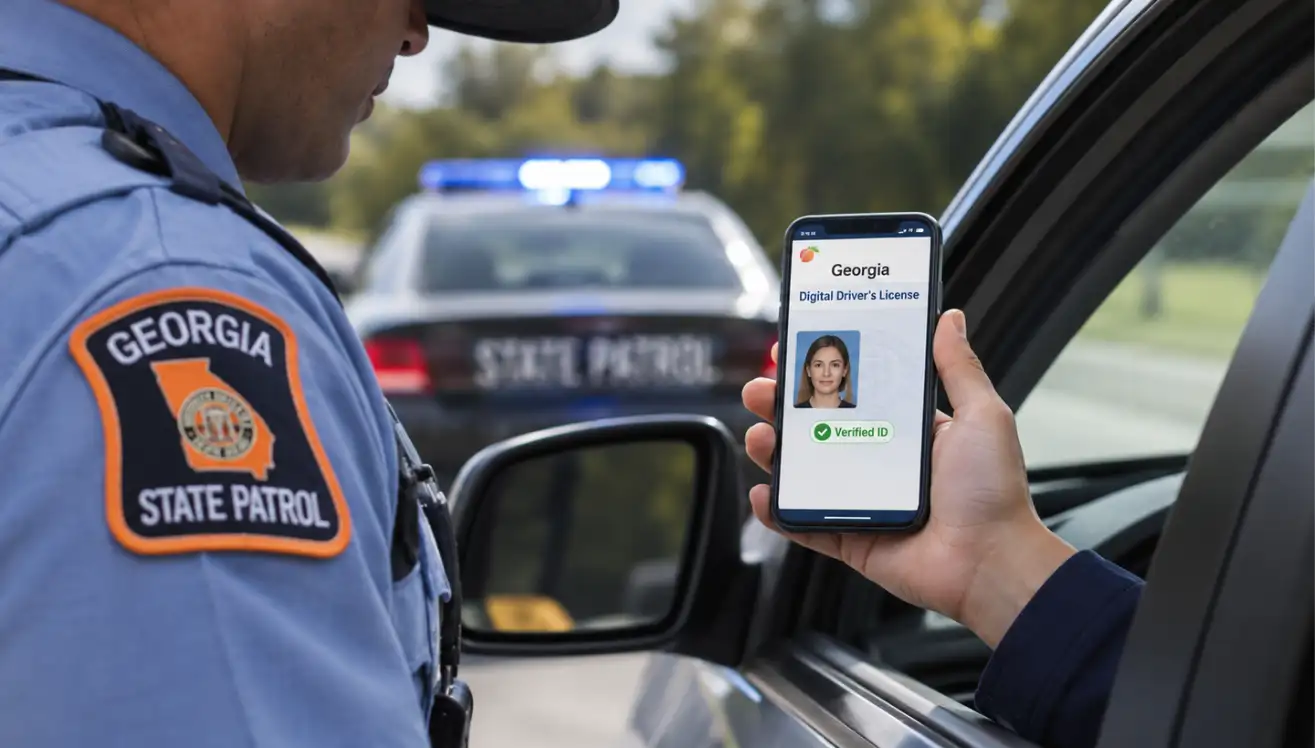
In most jurisdictions, yes, but rules on what can be stored and for how long vary by state and province. Patronscan’s retention and collection settings follow local requirements.
Your guest hands over their ID, it goes into the scanner, and they ask the question every door team hears: “Wait, what are you doing with my information?”
How your staff answer in the next five seconds shapes whether that guest walks in feeling protected or feeling watched. A fumbled answer (“I don’t know, it’s just policy”) creates doubt. A confident, accurate one builds trust and keeps the line moving.
This guide gives operators a simple playbook: what to say, what not to say, and how Patronscan’s on-site privacy stickers do much of the explaining for you.
Why Customers Ask About ID Scanning
Privacy questions at the door are not a sign of trouble. They’re a sign your guests are paying attention. Data breaches make headlines regularly, and people want to know three things:
- What’s being collected?
- How long is it kept?
- Who can see it?
If your team can answer those three questions clearly, or point to where the answers are posted, most conversations end right there.
What Patronscan Actually Collects (and What It Doesn’t)
Your staff can’t explain what they don’t understand. Here’s the short version of Patronscan’s privacy commitments:
- Collects only what’s needed. Patronscan collects the minimum required to verify age and identity, such as name, date of birth, photo, gender, postal or ZIP code, and ID expiry date. What’s collected varies by jurisdiction. In California, for example, home address and driver’s licence number are not collected.
- Automatic deletion. Information for guests who aren’t flagged is permanently deleted after a set period: 21 days in the U.S. and most Canadian provinces, 24 hours in British Columbia, and 30 days in Australia, New Zealand and the U.K.
- Encrypted end to end. Data is encrypted in transit (TLS) and at rest (AES-256), and stored in SOC 2 certified data centres.
- Never sold. Patronscan does not sell or share personal information with third parties. Law enforcement access requires an official investigation.
- No facial recognition. Patronscan does not use facial recognition in North America. A live photo may be taken so staff can compare it to the ID photo, and it’s deleted with everything else.
- Guests stay in control. Anyone can request a copy of their record at patronscan.com/privacy (“I want to check my info”) or by emailing privacy@patronscan.com.
What about flags? Most flags are private to the venue or group that placed them (82% as of 2026), last up to five years, and appear only when that person is scanned there. Networked flags are shared with other Patronscan venues for up to one year unless otherwise specified by the venue. Both are limited to serious behaviour such as violence, theft or fraud, and any flag can be disputed.
Let the Stickers Do the Talking
The best privacy conversation is the one a guest can read before they ever reach the front of the line. Patronscan provides every client with on-site signage built for exactly that.
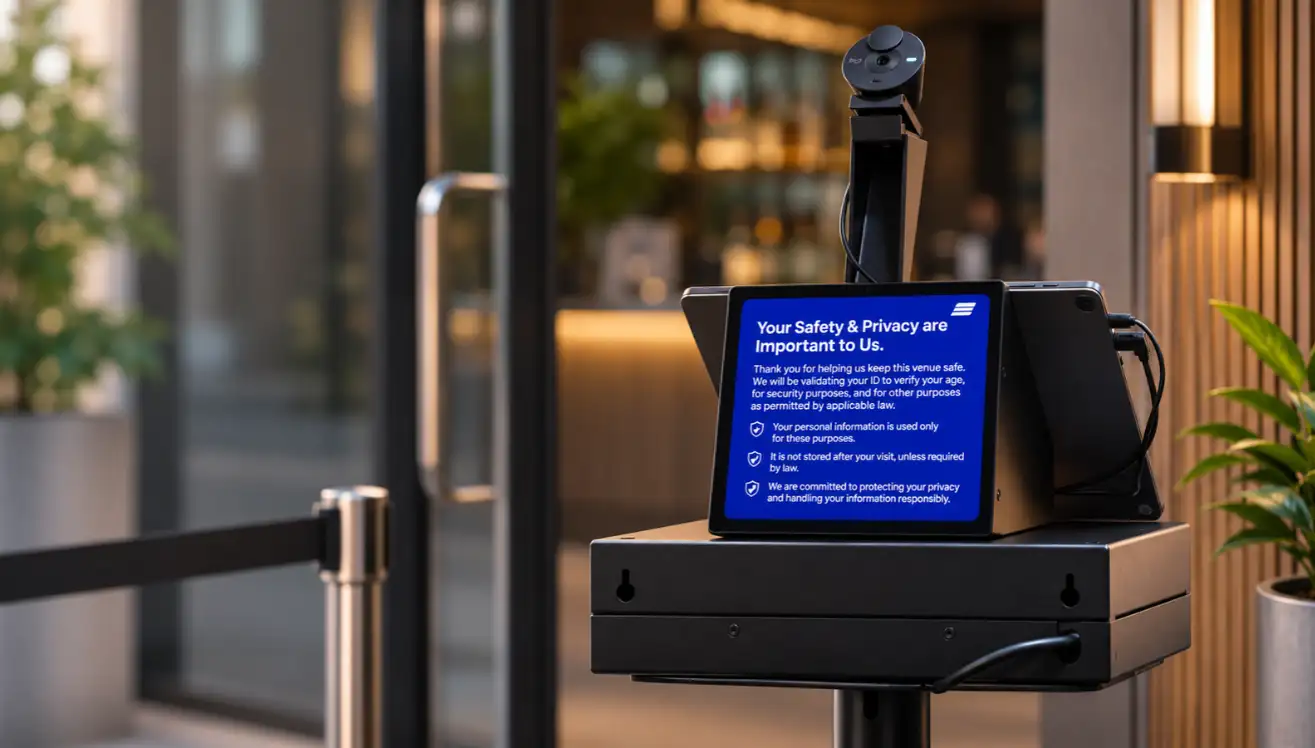
The Guard+ privacy sticker. Every Patronscan Guard+ unit comes with a privacy sticker placed on or beside the scanner. Everyone who scans their ID can read, right at the point of scan, what’s collected, how long it’s kept for that location, and how to check their information.
The window sticker. Every Patronscan client also receives a window sticker for the entrance. It tells guests ID scanning is in use before they’re in line, so nobody is surprised at the door.
Jurisdiction-specific notices. Through the Privacy Notice feature in the Patronscan Admin Portal, operators can print standardized privacy notices tailored to their state or province, covering all 50 U.S. states and every Canadian province and territory.
Placement tips:
- Put the window sticker at eye level on the entry door or the first window guests pass.
- Keep the Guard+ sticker clean, visible and unobstructed by cables or menus.
- Check signage whenever you move a scanner or open a new location.
What to Say: Simple Scripts for Your Team
Keep answers short, accurate and friendly. Then point to the sticker. Your staff are not privacy lawyers, and they don’t need to be.
“Why are you scanning my ID?”
“We scan every ID to confirm it’s real and keep everyone here safe. It takes a couple of seconds.”
“What are you doing with my information?”
“It’s only used to verify your ID, and it’s automatically deleted. The details are right here on the sticker.”
“Do you sell my data?”
“No. It’s never sold or shared with marketers.”
“I want to know what you have on me.”
“You can check anytime at patronscan.com/privacy, or email privacy@patronscan.com. Their privacy team will help you directly.”
“Do I have to be scanned?”
“Scanning is our entry policy for everyone, so it’s fair and consistent. The sticker explains exactly how your info is protected.”
What Not to Say
- Don’t guess. “I think they keep it forever” or “I don’t know where it goes” creates worry. If unsure, point to the sticker or the privacy team.
- Don’t over-promise. Avoid “we don’t keep anything.” Say “it’s deleted automatically after a set period.”
- Don’t look up a guest’s record. Staff should never pull up or read out someone’s information. Direct them to patronscan.com/privacy.
- Don’t get defensive. A calm, consistent answer reassures the rest of the line too.
Handling the Guest Who’s Still Unsure
Some guests will want more than a script. Step them out of the line, give them a moment to read the sticker, and offer the privacy team’s contact details. Most people simply want to know someone is accountable. Whether to admit a guest who declines a scan is your venue’s policy decision, so make sure every shift knows what that policy is.
Train It Once, Use It Every Shift
Turnover is the enemy of consistency. Build privacy answers into onboarding:
- Walk new hires through the Guard+ sticker and window sticker on day one.
- Have them practise the five scripts above.
- Bookmark https://patronscan.com/policies/ on any staff device.
- Review signage when you update scanners or open new locations.
The Bottom Line
Guests don’t expect your door team to be privacy experts. They expect a clear, honest answer and proof that someone is protecting their information. With minimal data collection, automatic deletion, encryption, and privacy stickers on every Guard+ unit and entrance, Patronscan gives you both.
Want to see how Patronscan protects your guests and your business? Book a demo.
FAQ: ID Scanning and Privacy
How long does Patronscan keep ID data?
For unflagged guests: 21 days in the U.S. and most of Canada, 24 hours in British Columbia, and 30 days in Australia, New Zealand and the U.K.
Can a guest see what's stored about them?
Yes. They can request their record at patronscan.com/privacy or privacy@patronscan.com.
Does Patronscan use facial recognition?
Not in North America. A live photo may be used for staff to compare against the ID photo and is deleted with all other data.
Featured Resources